

Deposit Required for CampDoc Registration
If you have not paid your camp deposit, please do so to get access to your registration account.
Pay Camp Deposit
Pay Camp Deposit
Group Leader: First Time Log On
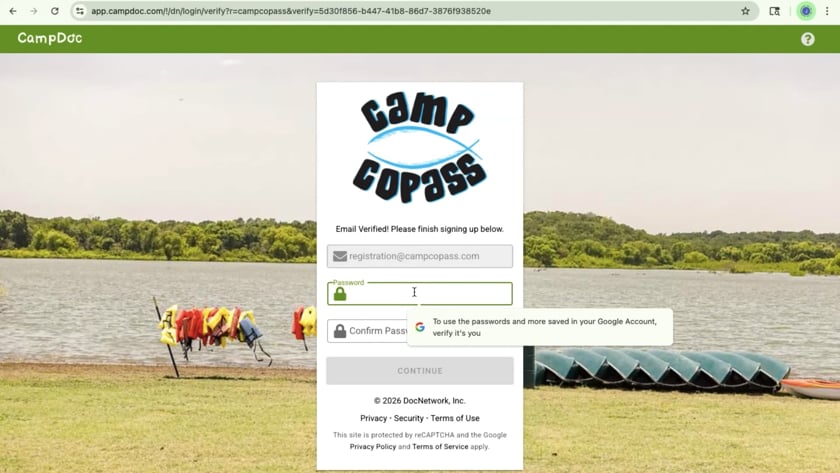
Group Leader: How to generate custom links for your campers to fill out their paperwork online
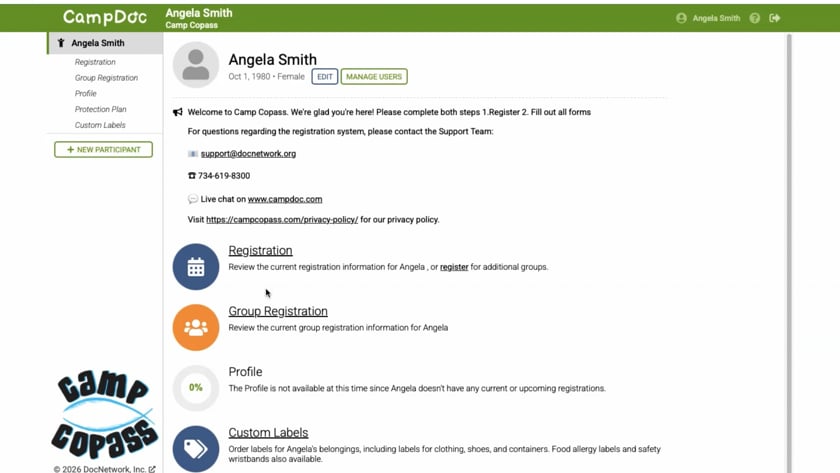
Group Leader: One Minute Guide for the Group Leader Page
CampDoc Support
Need help?
Email support@docnetwork.org or call (734) 619-8300 ext 2.
Group leader Step-by-step Instructions:
- Go to app.campdoc.com/register/campcopass
- Log in to your existing account or create one, entering all of your personal information
- Click on “Registration”
- Click on “new session”
- Look for the date you’re attending
- Choose all of your campers-types with that date. (ex: Adult, Group Leader, Jr. Counselor-if applicable, Camper)
- Click on continue
- Type your Group/Church Name: Remember, if you have a generic church name you’ll need to include your city. Ex: FBC Long Island
- Group size (estimate) The total should be the same number you paid for when you paid your deposit. (Ex: 3 Adult Counselors, 1 Group Leader, 2 Jr. Counselors, 18 Campers = you paid for 24 total in your deposit)
- Click on continue then register
- Click on close and log out of Campdoc completely
- Check your email for each of the links you need to share with your group.
- In the body of the email, you will see in bold what type camper should use the link below. Ex: Adult or Camper or Jr.Counselor
- Create an email to that type participant. Using the example of Camper, you would send the link to all the parents that are going to be filling out paperwork for their camper. Send the email.
- Repeat the step for each one of your types of campers.
- When you login as a group leader, you’ll be able to see everyone who has completed this step.